To Request Service from TVG
1. By Telephone
Report your problem to our service desk number at:
Mexico lines: 81-1551-2111, or 01-800-0878-TVG
USA line: (956) 467-0960
To allow for better service operation, depending on the time of day, the prompts will guide you to the english-speaking service personnel. This is explained in the following diagram:
2. By E-Mail
Our service desk system allows all ticket followup operations through its two-way email feature. This saves time and effort logging into a web portal, remembering your password, searching for tickets, and so on. Simply send an e-mail to service@tvg.mx with a brief description of your request. You can also add attachments with screenshots, photos, config files or whatever could be helpful. Within seconds, you will receive an automated acknowledgement, as well as the name of the assigned engineer. Following or adding comments to the ticket is only a matter of replying to this emails.
3. By Web Service Desk
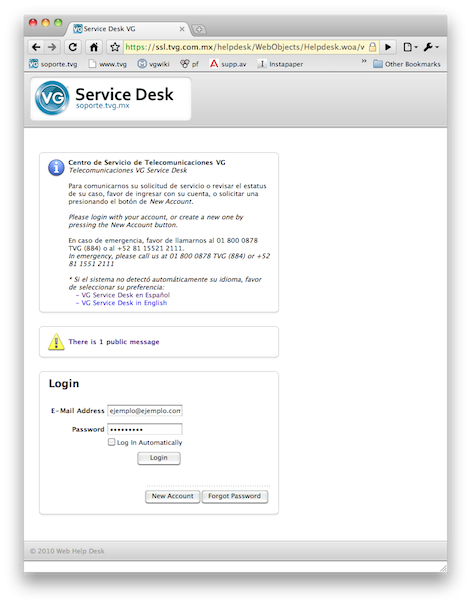
For historical reports, lists of open or closed tickets, to specify a particular asset to the ticket, or look at the registered assets, access to the web service part of our service desk system is needed. This is available at http://servicedesk.tvg.mx/ |
|
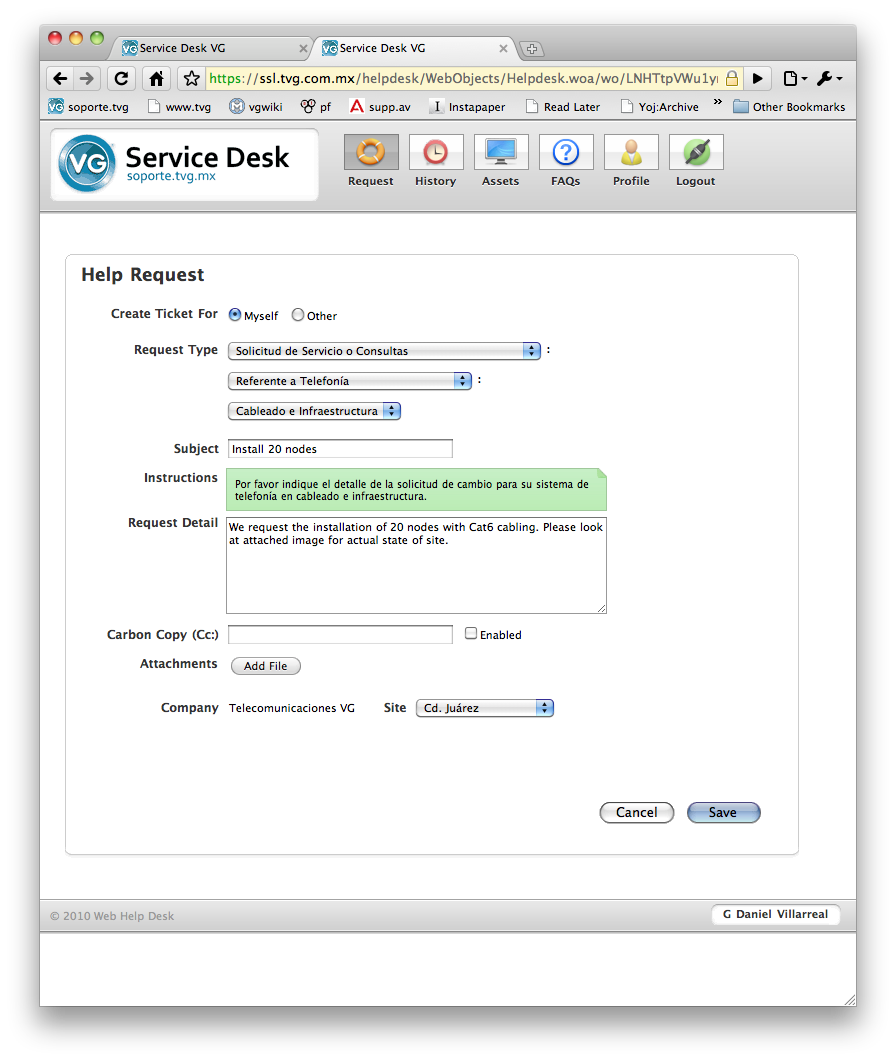
Example of new ticket request screen: